Password Managers for Financial Accounts: Why You Need One Today
Your financial accounts are only as secure as your weakest password. A practical guide to choosing and setting up a password manager to protect your banking, investment, and payment accounts.
Here’s a sobering thought experiment: how many financial accounts do you have? Count them. Bank accounts, credit cards, UPI apps, mutual fund platforms, insurance portals, tax filing, digital wallets, stock brokers. The average person in 2026 has 15-20 financial accounts. Now ask yourself: how many of them share the same password?
If the answer is more than zero, you have a critical security vulnerability. And the solution isn’t “try harder to remember unique passwords” — it’s using a password manager.
The Problem Is Mathematical
A secure password needs to be at least 16 characters long, combining uppercase, lowercase, numbers, and symbols. Something like K8#mP4$nW2&xQ9@j. Now memorize 20 of those. It’s not a willpower problem — it’s a capacity problem.
The human brain can reliably remember about 7 items in working memory. Asking it to maintain 20 unique, complex passwords — and associate each one with the correct account — is asking the impossible. So people take shortcuts:
- Password reuse: Using the same password across multiple accounts. One breach exposes everything.
- Pattern passwords: Adding “123” or the year to a base password. Hackers know these patterns.
- Simple passwords: “Banking@2026” feels complex to humans but is trivially crackable by automated tools.
A password manager eliminates these shortcuts by storing and auto-filling unique, complex passwords for every account while requiring you to remember exactly one master password.
How Password Managers Work
The basic workflow is straightforward:
- You create a master password — the only password you’ll ever memorize
- The manager generates unique, random passwords for each of your accounts
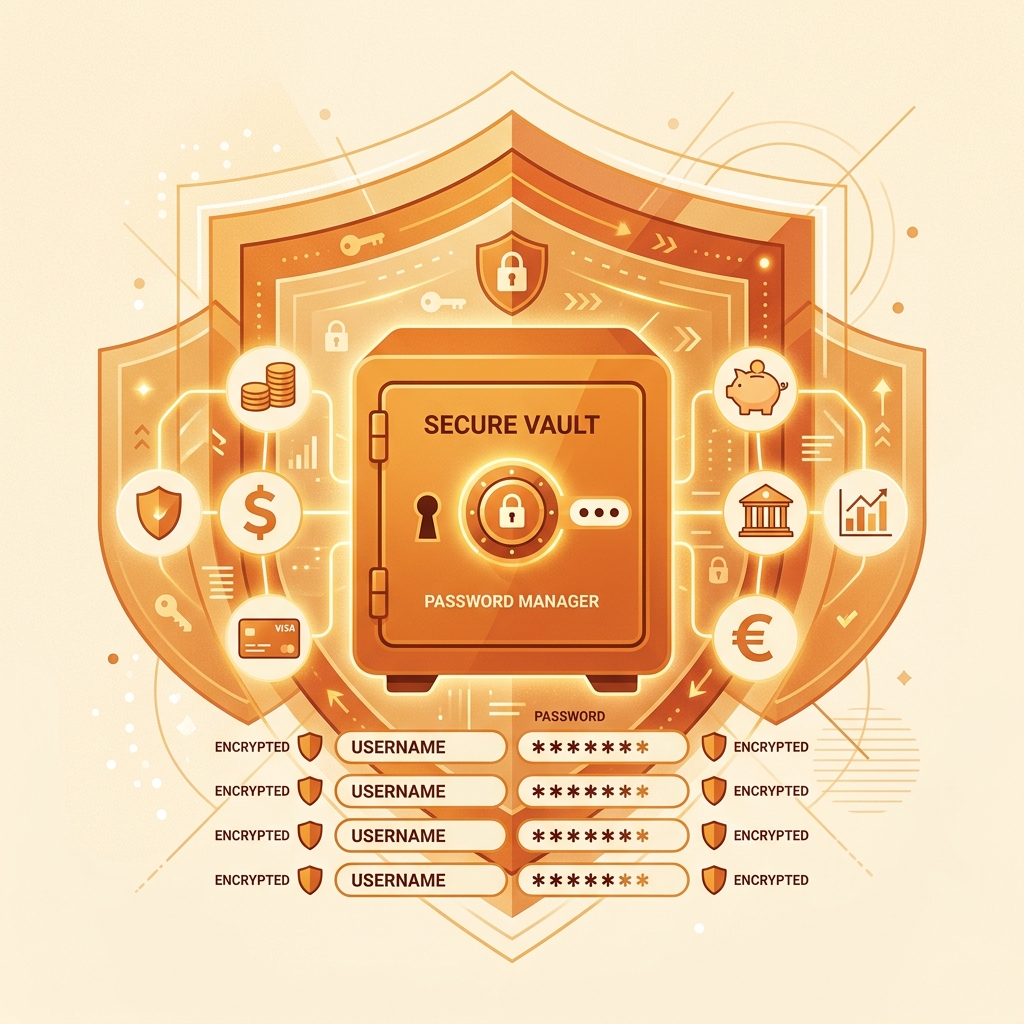
- Passwords are encrypted and stored in a vault, protected by your master password
- When you visit a login page, the manager auto-fills the credentials
The critical security feature: your passwords are encrypted locally on your device using AES-256 encryption (the same standard used by governments for classified data). The password manager company never sees your master password or your stored passwords. Even if their servers are breached, attackers get only encrypted data that’s useless without your master password.
The Best Password Managers for Financial Security
After testing six options specifically for managing financial accounts, here are the top recommendations:
Bitwarden — Best Free Option
Cost: Free (Premium: $10/year) Why for finance: Open-source code means security researchers worldwide audit it for vulnerabilities. The free tier includes unlimited passwords, cross-device sync, and TOTP authentication — everything you need for financial account security.
Setup for finance accounts: Create a dedicated “Finance” folder within Bitwarden. Store each banking/investment account with the login URL, username, password, and security questions as notes. Enable auto-fill for browsers and mobile apps.
1Password — Best Overall Experience
Cost: $2.99/month Why for finance: The “Watchtower” feature actively monitors whether any of your saved accounts appear in data breaches and alerts you immediately. For financial accounts, this real-time monitoring is invaluable.
Unique feature: 1Password’s Travel Mode lets you remove sensitive financial data from your device when crossing international borders — re-enabling it when you arrive. This protects against forced device searches at customs.
Proton Pass — Best Privacy-First Option
Cost: Free (with Proton ecosystem) Why for finance: Built by the team behind ProtonMail, it’s designed with privacy as the core mission. End-to-end encryption, no tracking, and Swiss jurisdiction (strongest privacy laws in the world).
Setting Up Financial Account Security
Step 1: Start an Audit
Before adding accounts to a password manager, list all your financial accounts:
- Bank accounts (savings, current, salary)
- Credit cards (each issuer’s portal)
- UPI apps (Google Pay, PhonePe, Paytm)
- Investment platforms (Groww, Zerodha, mutual fund AMCs)
- Insurance portals
- Tax filing (IT department, filing services)
- Loan accounts
- Digital wallets
Step 2: Install and Configure
Download your chosen password manager on all your devices. Create a strong master password using the passphrase method: combine 4-5 random words into a phrase like “correct-mango-bicycle-sunset-piano.” This is easier to remember than random characters but equally secure (128+ bits of entropy).
Step 3: Migrate Accounts One by One
Don’t try to change all 20 passwords in one sitting. Instead:
- Week 1: Change passwords for your top 5 most critical accounts (primary bank, primary credit card, investment platform)
- Week 2: Change the next 5
- Week 3-4: Complete the remaining accounts
For each account:
- Log in with your current password
- Go to security/password settings
- Let the password manager generate a new 20+ character password
- Save the new password in the manager
- Log out and log back in using the manager’s auto-fill to verify it works
Step 4: Enable Two-Factor Authentication
A password manager + two-factor authentication (2FA) is the gold standard for financial security. Enable 2FA on every financial account that supports it:
- Authenticator app (Google Authenticator, Authy): Generates time-based codes on your phone
- SMS OTP: Better than nothing, but vulnerable to SIM-swapping attacks
- Hardware key (YubiKey): Physical device required for login — the most secure option
Many password managers can also store and auto-fill 2FA codes, creating a streamlined but secure login flow.
Common Concerns Addressed
“What if the password manager gets hacked?” Your passwords are encrypted with your master password locally on your device. The company never has access to your unencrypted passwords. A server breach exposes only encrypted data that would take millions of years to crack with current technology.
“What if I forget my master password?” Most password managers offer emergency access procedures — trusted contacts who can request access after a waiting period, or recovery codes you store separately (in a physical safe, for example).
“Isn’t keeping all passwords in one place risky?” Keeping unique passwords behind a strong master password + encryption is dramatically safer than reusing the same weak password across 20 accounts. The “all eggs in one basket” concern is valid only if that basket has weak protection — and AES-256 encryption with a strong passphrase is not weak.
“My bank app has its own password system”: Yes, and your password manager works alongside it. The manager stores the password you use to log into your bank’s website or app. It doesn’t replace your bank’s own security — it enhances it by ensuring the password is unique and complex.
The Mathematical Case for Password Managers
Consider two scenarios:
Scenario A (No password manager): You reuse a modified password across 15 financial accounts. One account in a data breach exposes your password pattern. An attacker tries variations on your other 14 accounts. Potential loss: access to all financial accounts.
Scenario B (Password manager): Each of your 15 accounts has a unique 20-character random password. One account is breached. The attacker has a password that works only on that one account. Potential loss: one account (which you secure by changing the password immediately via your manager). The other 14 accounts are completely unaffected.
The password manager doesn’t just make security convenient — it makes a breach survivable rather than catastrophic.
Start today. Even if you only secure your top 5 financial accounts this week with a password manager, you’ve dramatically reduced your risk exposure. Every week after that, add a few more accounts until your entire financial life is protected.
PayWise Team
Personal finance enthusiast and tech writer at PayWise. Passionate about making digital finance accessible to everyone through practical, experience-based guides.